Closed Ecosystem Apps
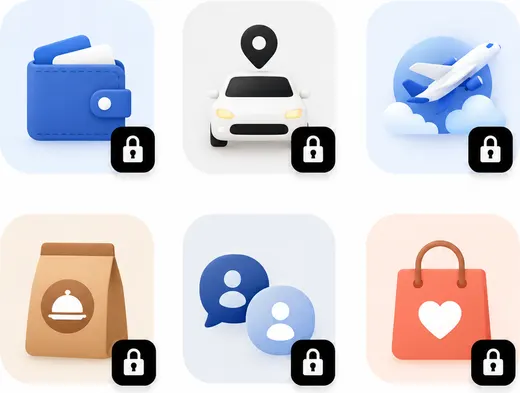
Access apps without open APIs.
 Lumi Mate
Lumi operates your real phone so AI can work
across any app — without limits.
Access apps without open APIs.
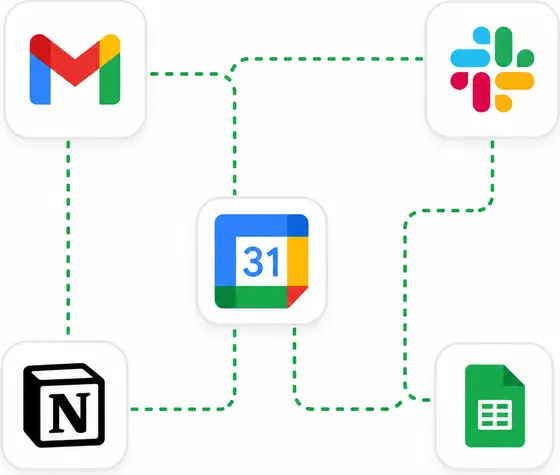
Connect tasks across multiple apps.
Use calls, messages, notifications, and contacts.
One dock. Three powerful ways to put AI to work.
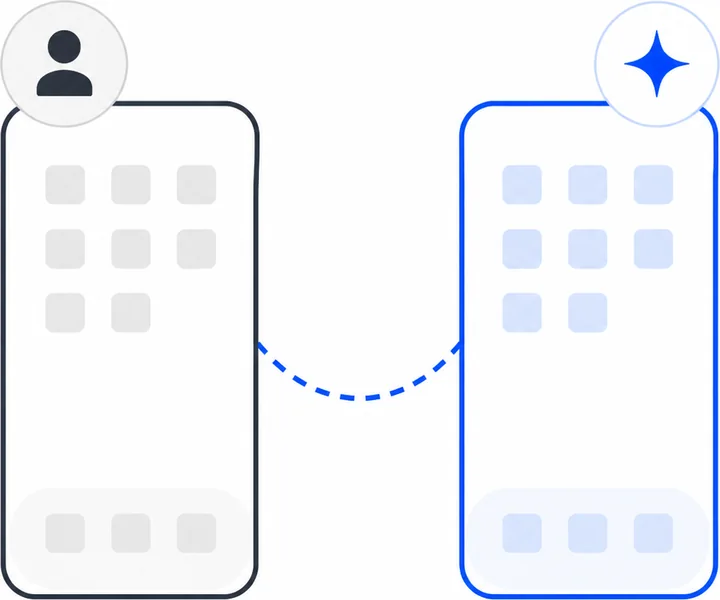
Keep using the same apps on your primary phone while Lumi handles repetitive work on a second device.
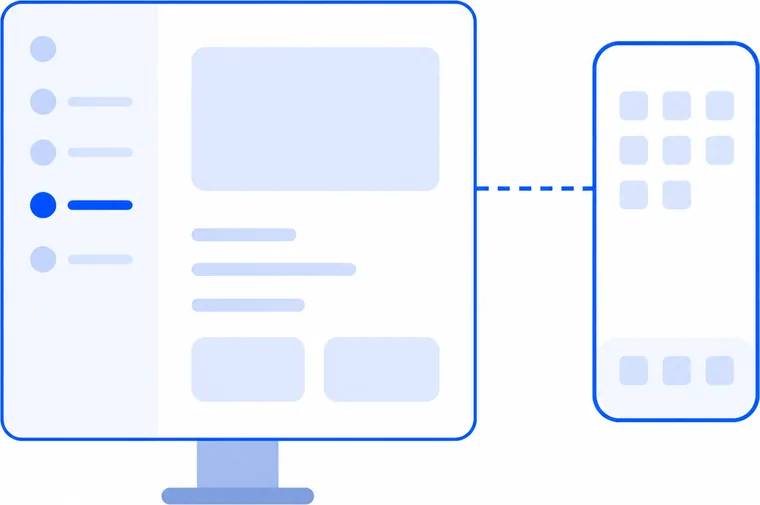
Use the Lumi Desktop App to control your phone together with AI.
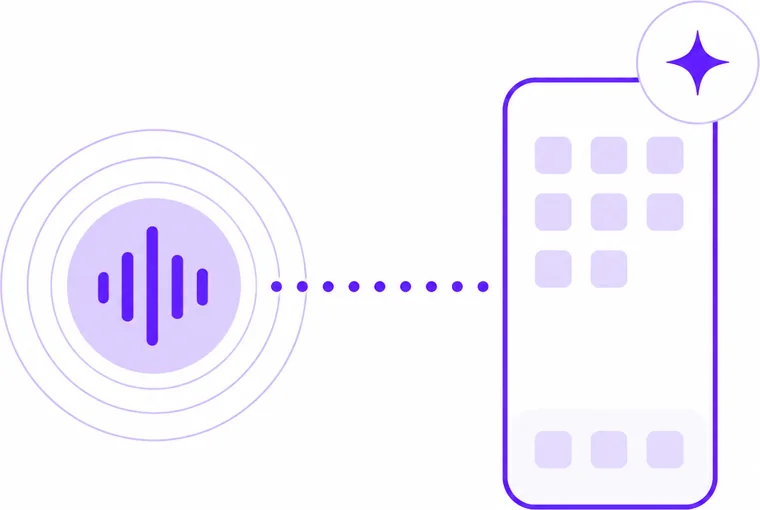
Talk to Lumi like a smart speaker, and it will operate your phone for you.
* Lumi operates the phone through physical touch for maximum compatibility and reliability.
USE CASES
Lumi helps you stay on top of messages, follow-ups,
repetitive conversations, and real mobile tasks —
all through your actual phone.
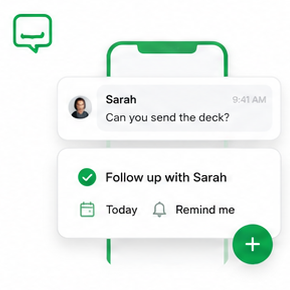
Lumi reads your chats, calls, and notifications, then shows you what needs a reply or action.
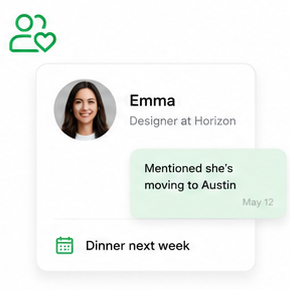
Turn customer requests, promises, and deadlines in conversations into reminders and next steps.
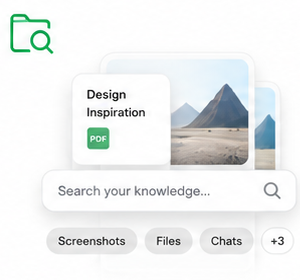
Let Lumi answer common questions, send updates, and follow up with customers for you.
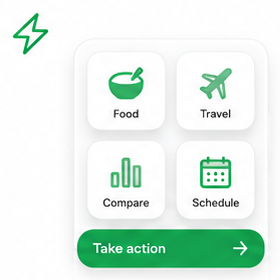
Lumi can search, compare, book, schedule, track, and complete workflows directly through your phone apps.
Apps can detect the difference — and block AI workflows.
Mirroring, ADB, USB, and emulator control do not create the same physical touch events as a real finger.
At the OS or app level, digital input can be identified as automation instead of normal user behavior.
Once detected, apps may limit, block, or break AI workflows to protect their platform rules.
Many apps rely on ads, traffic, and user attention. AI agents change that flow, so platforms have reasons to resist.
Why Lumi takes a different path
Lumi uses real physical touch.Real taps. Real swipes. Real typing.HOW LUMI WORKS


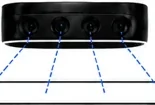
Multiple cameras capture the real screen
AI plans each step and maps screen coordinates
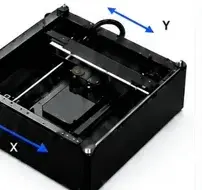
3-axis system taps, swipes, and types.
Results become to-dos, events, and notes
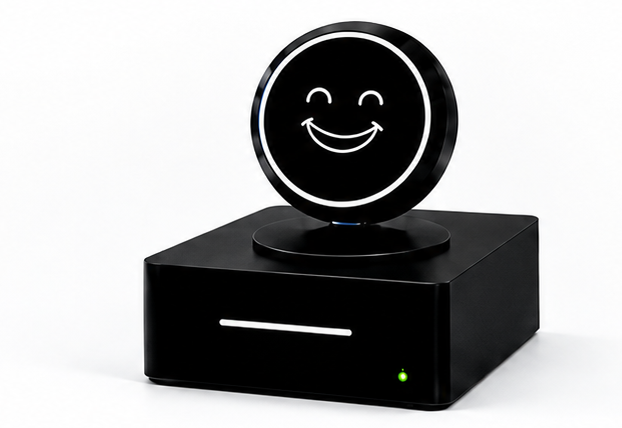
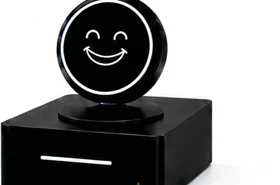
Lumi AI Dock is a local-first AI hardware dock built for phone automation, privacy, and open development.
Real open-chassis mechanism
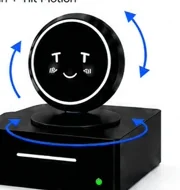
Pan + Tilt Motion
Observe the phone screen
Premium audio processing
360° voice capture

Private by default. Flexible by design. Faster where it matters.
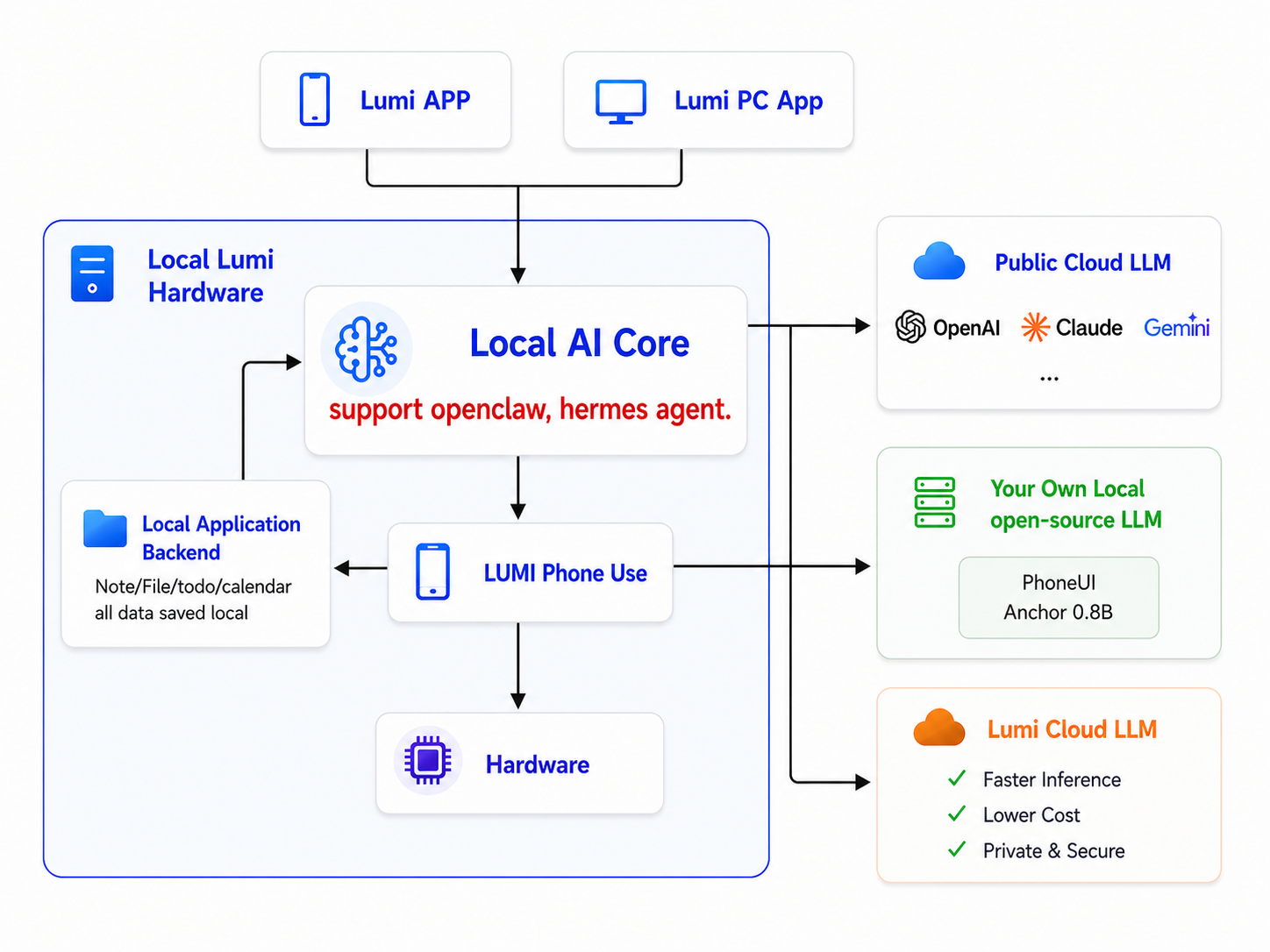
Your notes, files, to-dos, calendar, and other personal data stay on your Lumi hardware.
Switch between your own local model, public cloud models, or Lumi Cloud based on privacy, performance, and cost.
OPEN-SOURCE PHONE AUTOMATION SDK
Call act(), query_string(), and wait_for() from a Python workflow.
Connect to a running phone automation service and select devices when needed.
Tap, tap sequences, swipe, named actions, and typed text use screen-pixel coordinates.
Forward model name, API key, base URL, family, and reasoning settings per client or request.
import osfrom phone_use import PhoneUsephone = PhoneUse( "http://127.0.0.1:8787", model_name="your-model", model_api_key=os.environ["PHONE_USE_MODEL_API_KEY"], model_base_url="https://model.example.com/v1",)result = phone.act("Open Settings and read the device model")print(result)act()query_string()wait_for()health()list_devices()get_device()save_screenshot()tap()tap_sequence()swipe()named_action()type_text()start_task()get_task()cancel_task()Open source on GitHub
A lightweight GUI grounding model for fast mobile and web interface understanding.
Given a screenshot and a natural-language instruction, it returns normalized target coordinates for action.
A lightweight GUI grounding model that maps instructions and screenshots to normalized target coordinates.
No. Lumi does not need, receive, or store your phone passcode.
To begin, open the Lumi mobile app and select Dock Phone. While a task is running, Lumi periodically keeps the phone active so it does not enter the lock screen. If the phone remains idle for an extended period, the Lumi app enters a screen-protection mode.
Your result data is stored locally on the Lumi hardware. This includes:
This data is not uploaded to Lumi's cloud by default.
Lumi's AI features require a large language model. You can connect Lumi to your own local model, your preferred cloud model, or a model provided by Lumi.
When you use a cloud model, the screenshots required to understand and complete the task are sent to that model. Before uploading them, Lumi uses a local privacy model to detect and mask sensitive information, such as passwords, private keys, and API keys.
When you use a locally deployed model, screenshots can be processed within your local environment instead.
No. Lumi does not require jailbreak, root access, ADB, or invasive system permissions.
Lumi observes the real phone screen and operates it through physical taps, swipes, and typing. It does not modify or inject commands into the phone's operating system.
Lumi supports both iPhone and Android devices and is not limited to a specific mobile operating system.
It is designed for phones with screen sizes of up to 6.9 inches. Because Lumi uses visual understanding and physical touch instead of app-specific integrations, it is designed to work with any app that can be operated through the phone's visible interface.
Actual task performance may vary depending on the app interface, selected AI model, network conditions, and task complexity.
Yes. Lumi asks for your confirmation before performing critical or sensitive actions, such as sending information, placing an order, making a payment, deleting content, or changing important settings.
You may also explicitly authorize Lumi to complete specific workflows without requesting confirmation at every step.
You can interrupt or take over at any time.
You can immediately eject the phone to stop the current operation. In Copilot Mode, you can also click or interact with the phone directly to correct Lumi and continue the task manually.
Lumi checks the phone's screen throughout the task and stops when it detects an abnormal state or cannot safely continue.
Lumi's AI functions must be connected to a compatible AI model.
You can use:
A cloud subscription is not required if you already have a compatible local model deployment. Internet access is required when using a cloud-based model.
Lumi is designed not to damage the phone screen. It adjusts the touch pressure according to the detected screen position and phone configuration to apply an appropriate touch force.
Each time a phone is docked, Lumi detects and calibrates the screen's position before beginning a task. If the phone moves, the screen position changes, or another abnormal condition is detected, Lumi immediately stops the mechanical operation.
No. Lumi does not need, receive, or store your phone passcode.
To begin, open the Lumi mobile app and select Dock Phone. While a task is running, Lumi periodically keeps the phone active so it does not enter the lock screen. If the phone remains idle for an extended period, the Lumi app enters a screen-protection mode.
Your result data is stored locally on the Lumi hardware. This includes:
This data is not uploaded to Lumi's cloud by default.
Lumi's AI features require a large language model. You can connect Lumi to your own local model, your preferred cloud model, or a model provided by Lumi.
When you use a cloud model, the screenshots required to understand and complete the task are sent to that model. Before uploading them, Lumi uses a local privacy model to detect and mask sensitive information, such as passwords, private keys, and API keys.
When you use a locally deployed model, screenshots can be processed within your local environment instead.
No. Lumi does not require jailbreak, root access, ADB, or invasive system permissions.
Lumi observes the real phone screen and operates it through physical taps, swipes, and typing. It does not modify or inject commands into the phone's operating system.
Lumi supports both iPhone and Android devices and is not limited to a specific mobile operating system.
It is designed for phones with screen sizes of up to 6.9 inches. Because Lumi uses visual understanding and physical touch instead of app-specific integrations, it is designed to work with any app that can be operated through the phone's visible interface.
Actual task performance may vary depending on the app interface, selected AI model, network conditions, and task complexity.
Yes. Lumi asks for your confirmation before performing critical or sensitive actions, such as sending information, placing an order, making a payment, deleting content, or changing important settings.
You may also explicitly authorize Lumi to complete specific workflows without requesting confirmation at every step.
You can interrupt or take over at any time.
You can immediately eject the phone to stop the current operation. In Copilot Mode, you can also click or interact with the phone directly to correct Lumi and continue the task manually.
Lumi checks the phone's screen throughout the task and stops when it detects an abnormal state or cannot safely continue.
Lumi's AI functions must be connected to a compatible AI model.
You can use:
A cloud subscription is not required if you already have a compatible local model deployment. Internet access is required when using a cloud-based model.
Lumi is designed not to damage the phone screen. It adjusts the touch pressure according to the detected screen position and phone configuration to apply an appropriate touch force.
Each time a phone is docked, Lumi detects and calibrates the screen's position before beginning a task. If the phone moves, the screen position changes, or another abnormal condition is detected, Lumi immediately stops the mechanical operation.
Early Bird target: $99. Campaign window: 30 days.